

Beginner Programming Languages
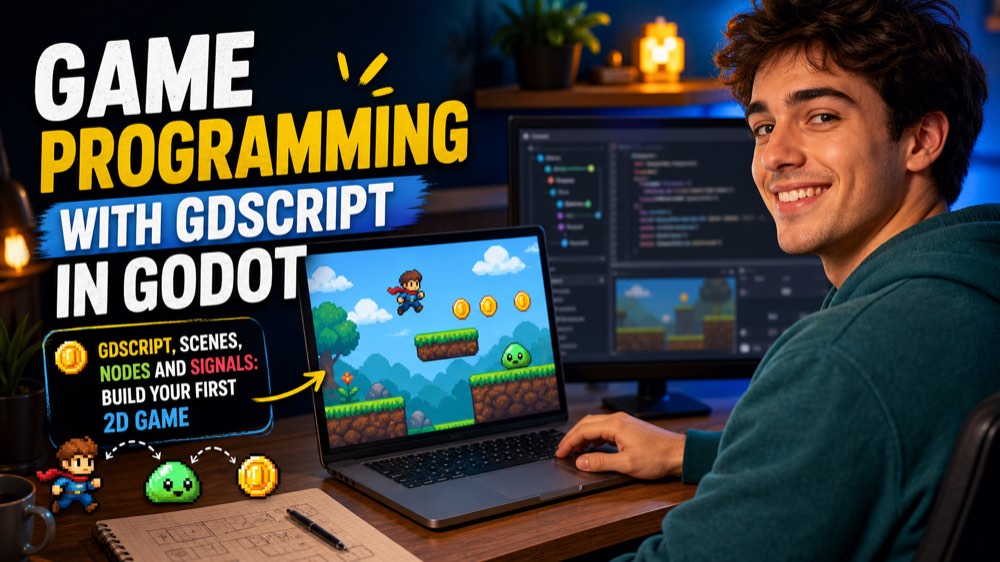
Game Programming with GDScript in Godot
Make your own 2D games with Godot 4, the free and open source game engine, and its language, GDScript. Find your way around the editor, build games out of scenes and nodes, and write GDScript with variables, types, functions and signals. Move a character with the keyboard, add gravity, jumps and collisions, then put together a complete small game with sprites, animation, a score on screen, sound and a game over screen. Finish by organizing your project, saving progress and exporting it to play on a computer, a phone or the web.
5 modules 10 lessons 4 h 250 questions
Course content
1 Godot from Zero: Editor, Scenes and Nodes 2 lessons · 1 practice 0 of 3
Lesson 1 · 6:29Meet Godot: Projects, the Editor and Nodes
Lesson 2 · 6:22Scenes and the Scene Tree
Practice · 0 of 25 questionsModule practice
Module practice
0 of 25 for the certificate
Answer 25 questions
This module has 50 questions; 25 count toward the certificate.
Practice →
2 GDScript Basics: Variables, Functions and Signals 2 lessons · 1 practice 0 of 3
Lesson 1 · 6:46GDScript Basics: Variables, Types and Decisions
Lesson 2 · 6:58GDScript Basics: Loops, Arrays, Functions and Signals
Practice · 0 of 25 questionsModule practice
Module practice
0 of 25 for the certificate
Answer 25 questions
This module has 50 questions; 25 count toward the certificate.
Practice →
3 Movement and Physics: Input, Bodies and Collisions 2 lessons · 1 practice 0 of 3
Lesson 1 · 6:43Input and Movement: Moving with Delta
Lesson 2 · 6:53Physics Bodies, Jumps and Collisions

Practice · 0 of 25 questionsModule practice
Module practice
0 of 25 for the certificate
Answer 25 questions
This module has 50 questions; 25 count toward the certificate.
Practice →
4 A Complete 2D Game: Sprites, Animation, HUD and Sound 2 lessons · 1 practice 0 of 3
Lesson 1 · 6:53Building the Level: Sprites, Animation, Tiles and Camera
Lesson 2 · 6:29Score, HUD, Timers, Sound and Game Over
Practice · 0 of 25 questionsModule practice
Module practice
0 of 25 for the certificate
Answer 25 questions
This module has 50 questions; 25 count toward the certificate.
Practice →
5 From Prototype to Project: Organize, Save and Export 2 lessons · 1 practice 0 of 3
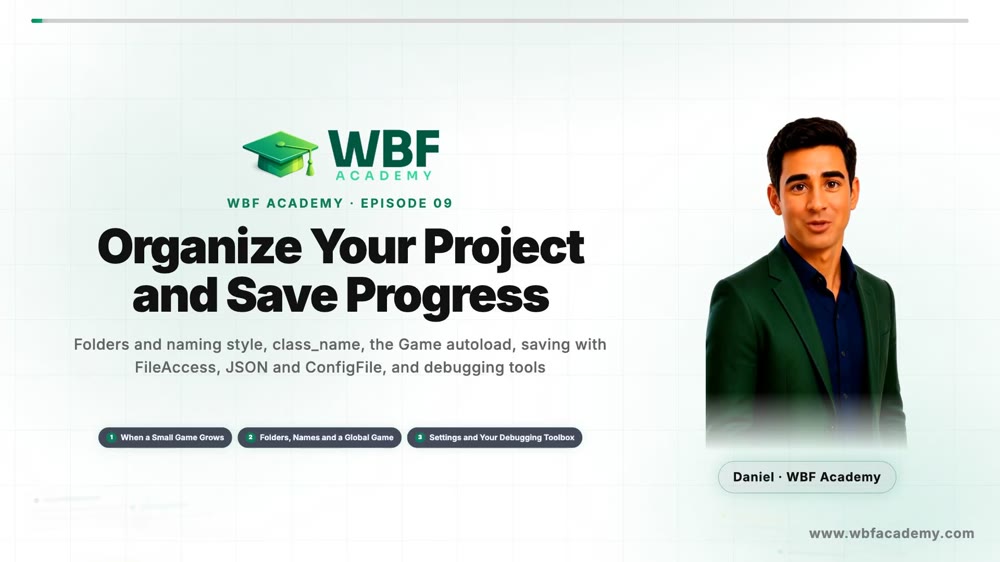
Lesson 1 · 7:00Organize Your Project and Save Progress
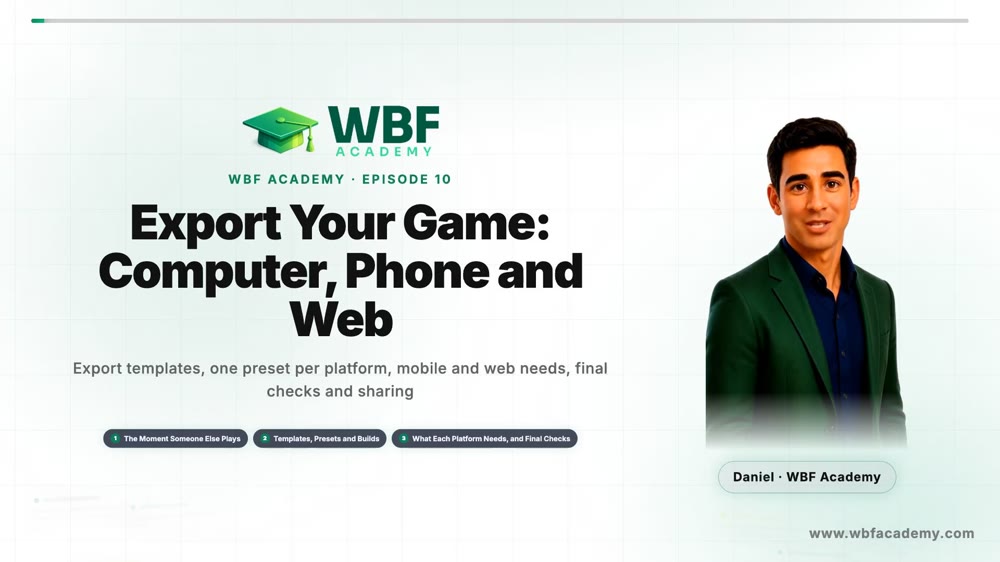
Lesson 2 · 6:05Export Your Game: Computer, Phone and Web
Practice · 0 of 25 questionsModule practice
Module practice
0 of 25 for the certificate
Answer 25 questions
This module has 50 questions; 25 count toward the certificate.
Practice →
Tips
See all
Project and Export
Export early, on every platform you plan to support
Install the templates once and test the real build, not only the editor
Project and Export
Label your prints, then reach for breakpoints
Know which value you are looking at and stop the game to inspect it
Project and Export
Save to user://, never to res://
The project folder is read-only once the game is exported
Project and Export
Keep data that outlives scenes in an autoload
Score, lives and settings belong to the game, not to one level