Beginner Personal Development
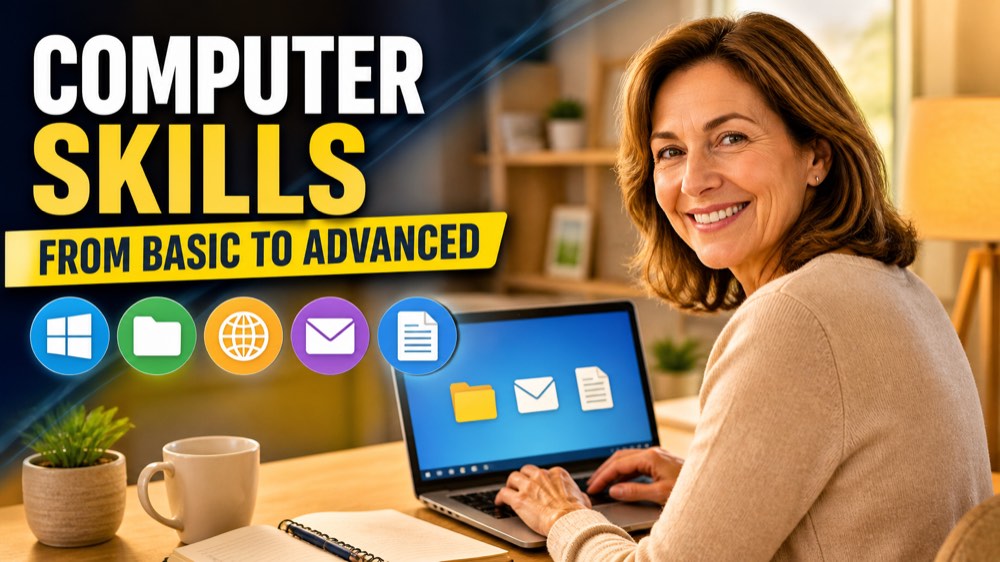
Computer Skills from Basic to Advanced
Use a computer with confidence, starting from zero. You learn the parts of the computer and the Windows desktop, how to save, find and organize files and folders, how to browse the internet safely and spot scams, how to write, answer and organize e-mail, and how to create, format and print documents in Word. Step by step, with the words you see on the screen.
5 modules 10 lessons 5 h 250 questions
Course content
1 The Computer and Windows 2 lessons · 1 practice 0 of 3
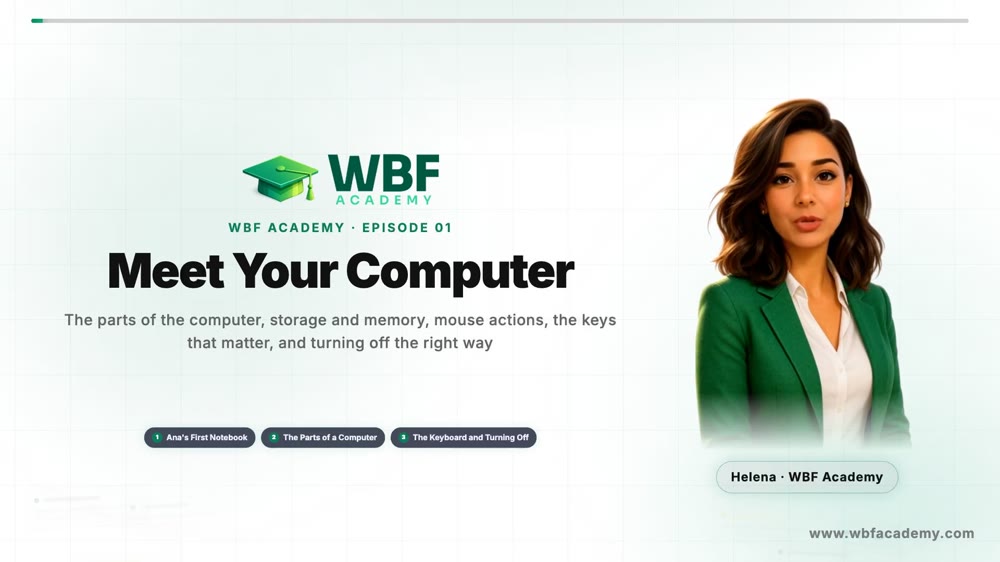
Lesson 1 · 6:46Meet Your Computer
Lesson 2 · 7:17The Windows Desktop and Windows
Practice · 0 of 25 questionsModule practice
Module practice
0 of 25 for the certificate
Answer 25 questions
This module has 50 questions; 25 count toward the certificate.
Practice →
2 Files and Folders 2 lessons · 1 practice 0 of 3
Lesson 1 · 7:12Files, Folders and File Explorer
Lesson 2 · 7:25Delete, Find and Back Up Your Files
Practice · 0 of 25 questionsModule practice
Module practice
0 of 25 for the certificate
Answer 25 questions
This module has 50 questions; 25 count toward the certificate.
Practice →
3 Internet and Online Safety 2 lessons · 1 practice 0 of 3
Lesson 1 · 7:36The Browser and Smart Searching
Lesson 2 · 6:48Stay Safe Online
Practice · 0 of 25 questionsModule practice
Module practice
0 of 25 for the certificate
Answer 25 questions
This module has 50 questions; 25 count toward the certificate.
Practice →
4 E-mail 2 lessons · 1 practice 0 of 3
Lesson 1 · 6:49Your E-mail Account and Your First Message
Lesson 2 · 7:00Reply, Attach and Organize Your E-mail
Practice · 0 of 25 questionsModule practice
Module practice
0 of 25 for the certificate
Answer 25 questions
This module has 50 questions; 25 count toward the certificate.
Practice →
5 Documents in Word 2 lessons · 1 practice 0 of 3
Lesson 1 · 6:51Your First Document in Word
Lesson 2 · 7:00Finish, Check and Print Your Document
Practice · 0 of 25 questionsModule practice
Module practice
0 of 25 for the certificate
Answer 25 questions
This module has 50 questions; 25 count toward the certificate.
Practice →
Tips
See all
Windows
Lock your computer when you step away
One shortcut protects your private information
Windows
Jump between open windows with Alt+Tab
Switch programs without hunting on the screen
Windows
Restart before you panic
Many problems disappear after a restart
Windows
Capture part of the screen with Windows+Shift+S
Show a problem or save information in seconds